Devices
View and manage cloud-provisioned Android devices.
The Devices page shows all cloud Android devices that have been provisioned through the platform or the Device MCP.
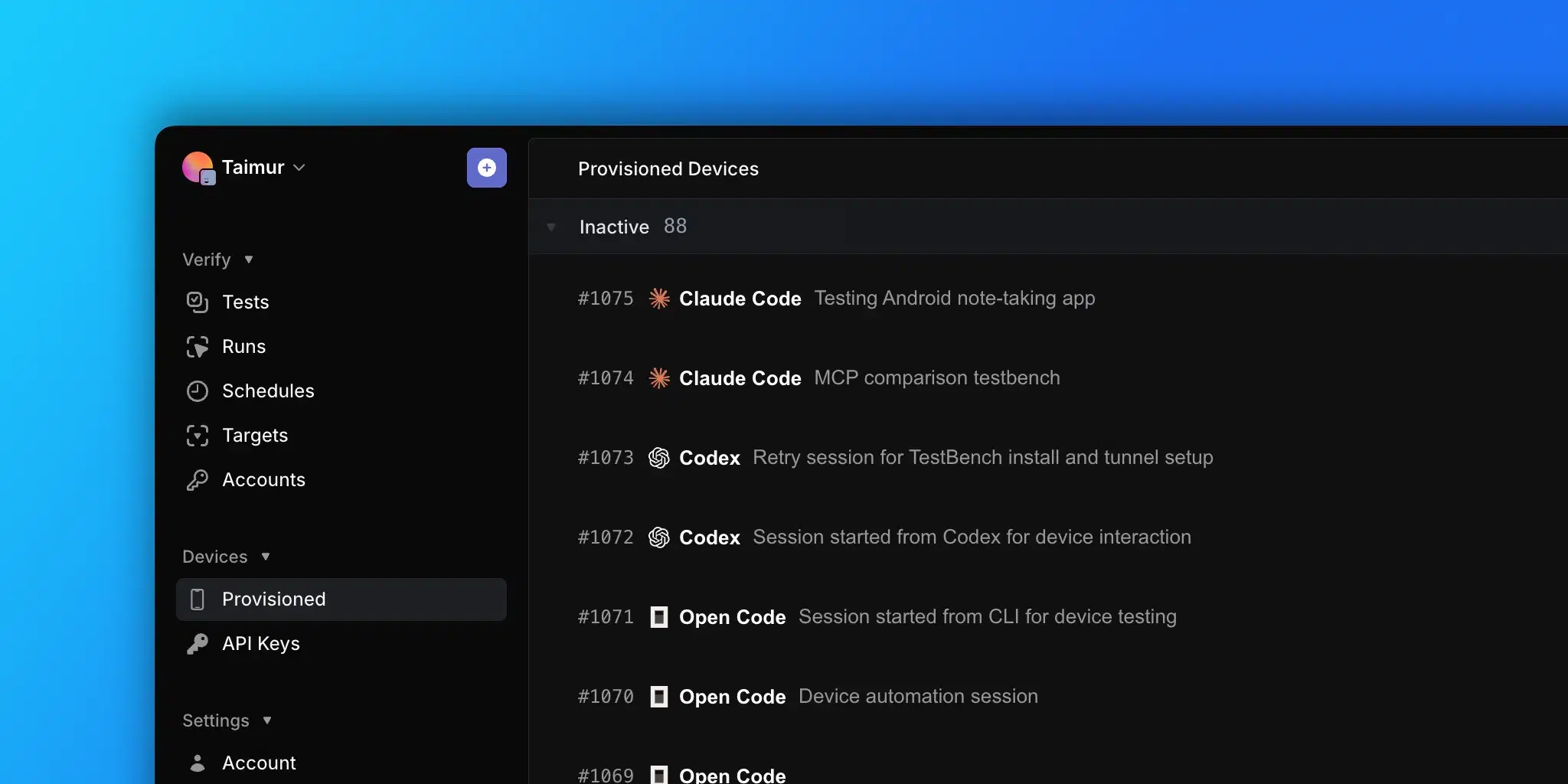
Device list
Devices are grouped into two sections.
Provisioned devices
Currently running devices. Each row shows:
- ID. Numeric device identifier.
- Status. Current state with a color indicator.
- Pending. Device is being allocated.
- Provisioning. Device is booting up.
- Running. Device is active and ready (green).
- Stopping. Device is shutting down.
- Origin. Which MCP client or agent started the session (Claude Code, Cursor, VS Code Copilot, Windsurf, Codex, and so on).
- Description. Optional label set when the session was created.
- Platform. Android.
- API Key. The key used to provision the device.
- Duration. How long the device has been running, in minutes.
- Created. When the device was provisioned.
Inactive devices
Previously provisioned devices that have been stopped. Shows the same columns as provisioned devices with a Stopped status.
Stopping devices
- Select one or more provisioned devices using the checkboxes.
- Click Stop Devices in the header.
- Confirm the action.
Stopping a device ends the session and stops billing immediately.
Provisioning a new device
Click New Device in the header to provision a device directly from the platform. This is an alternative to provisioning via the Device MCP.
API keys
The API Keys tab on the Devices page manages the keys that authenticate Device MCP requests. Each key can be named for a specific MCP client, pipeline, or environment so usage is easy to trace back.
From this page you can:
- Create a named key. The full key is shown once at creation time, alongside ready-to-paste install commands for popular MCP clients (Claude Code, Cursor, VS Code Copilot, Codex, Windsurf).
- Review active keys with their name, key suffix, creation time, and last-used timestamp.
- Revoke a key to cut off Device MCP access immediately. Revoked keys are retained in a history section for reference.
For the full reference, including setup commands and rotation guidance, see Device MCP > API Keys.