Platform
Account
Manage your profile, email, and password.
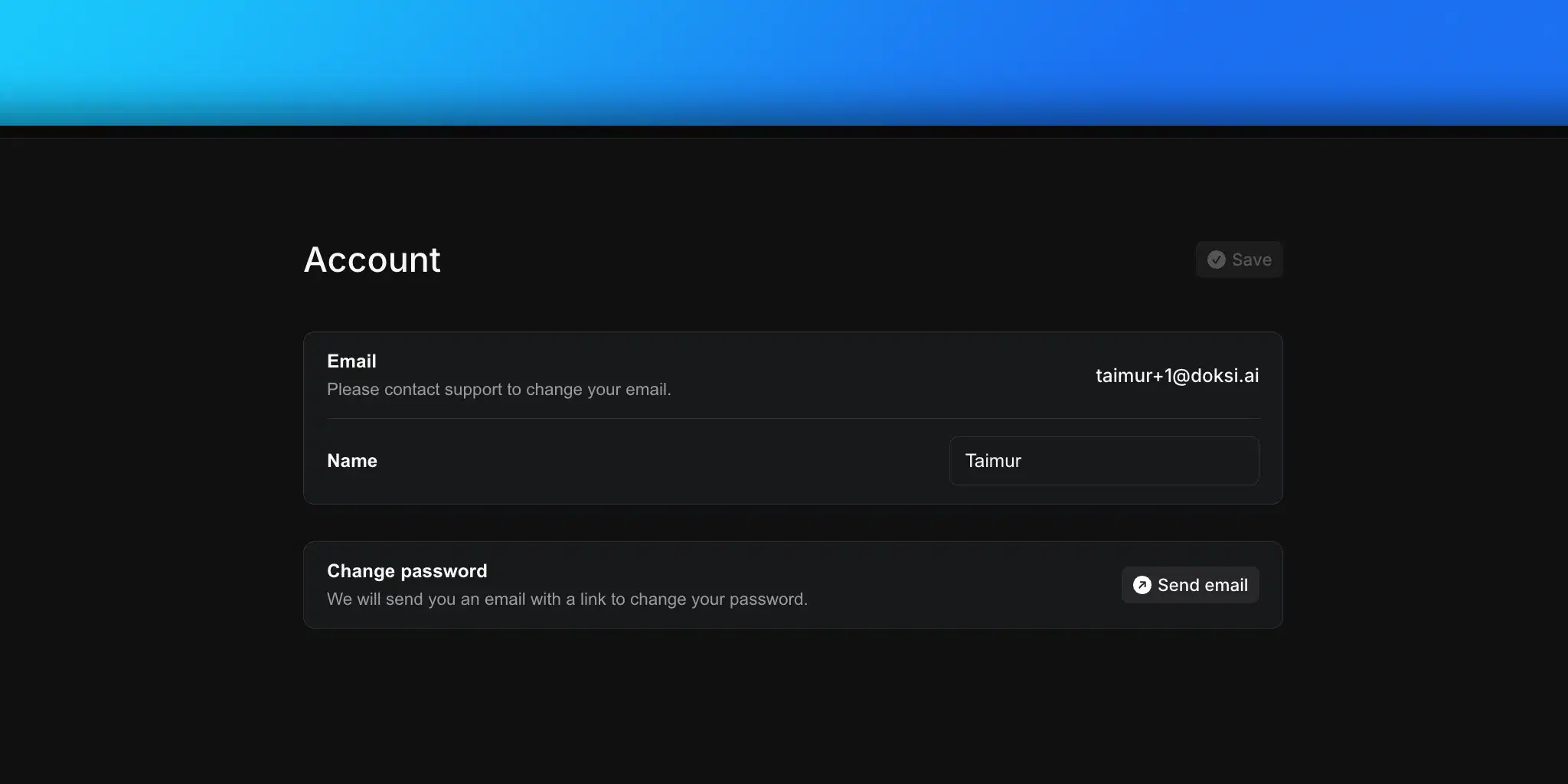
Navigate to Settings > Account to manage your personal profile.
Profile
Name
Your display name shown across the platform. Click the name field to edit it, then click Save to apply changes.
Your login email address. This is read-only. Contact support if you need to change it.
Security
Change password
Click Change password to trigger a password reset email. You'll receive an email with a link to set a new password.
The button shows a confirmation state ("Sent!") after the email is dispatched.