Platform
Team
Invite team members and manage your workspace.
Navigate to Settings > Team to manage your workspace members.
Team members
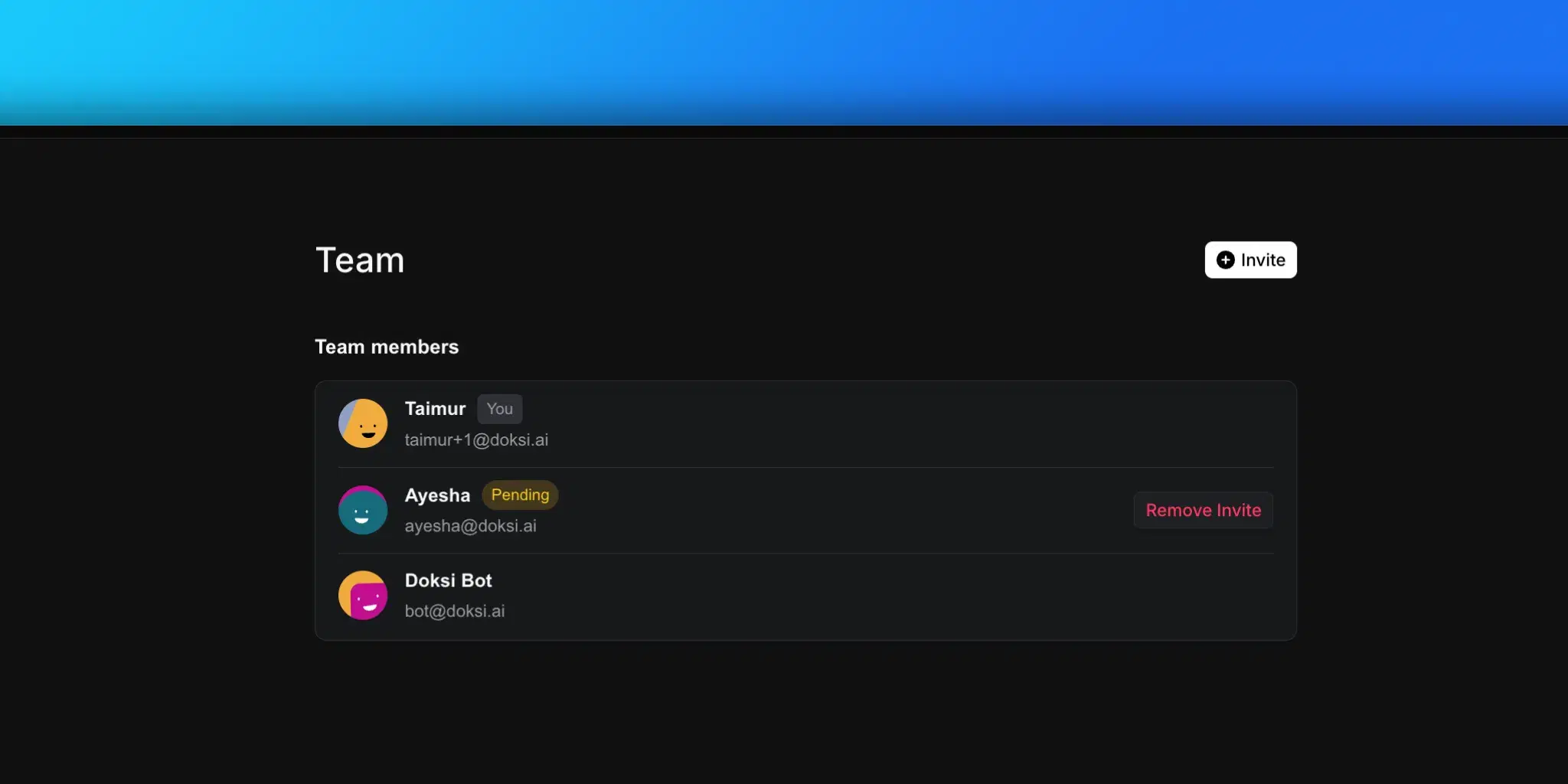
The team page shows all members of your workspace:
- Name and email. Member identity.
- Status badges.
- You. Your own account.
- Pending. Invitation sent but not yet accepted.
- Expired. Invitation expired without being accepted.
Inviting members
- Click Invite in the header
- Enter the email address of the person you want to invite
- Click Send Invite
The invited user receives an email with a link to join your workspace. The invitation appears as "Pending" until accepted.
Removing invitations
For pending or expired invitations, click Remove Invite to cancel the invitation. This action is immediate. The invite link stops working right away.